Assembly Animation
An assembly film shows the step instead of describing it. We make them at two lengths: the full instruction sequence, part by part, with the fixings people get wrong called out, and the short retail cut that shows a shopper how simply the product goes together before they buy it.
Custom quotePriced on the number of steps and parts, whether CAD exists, and how many cuts you need.
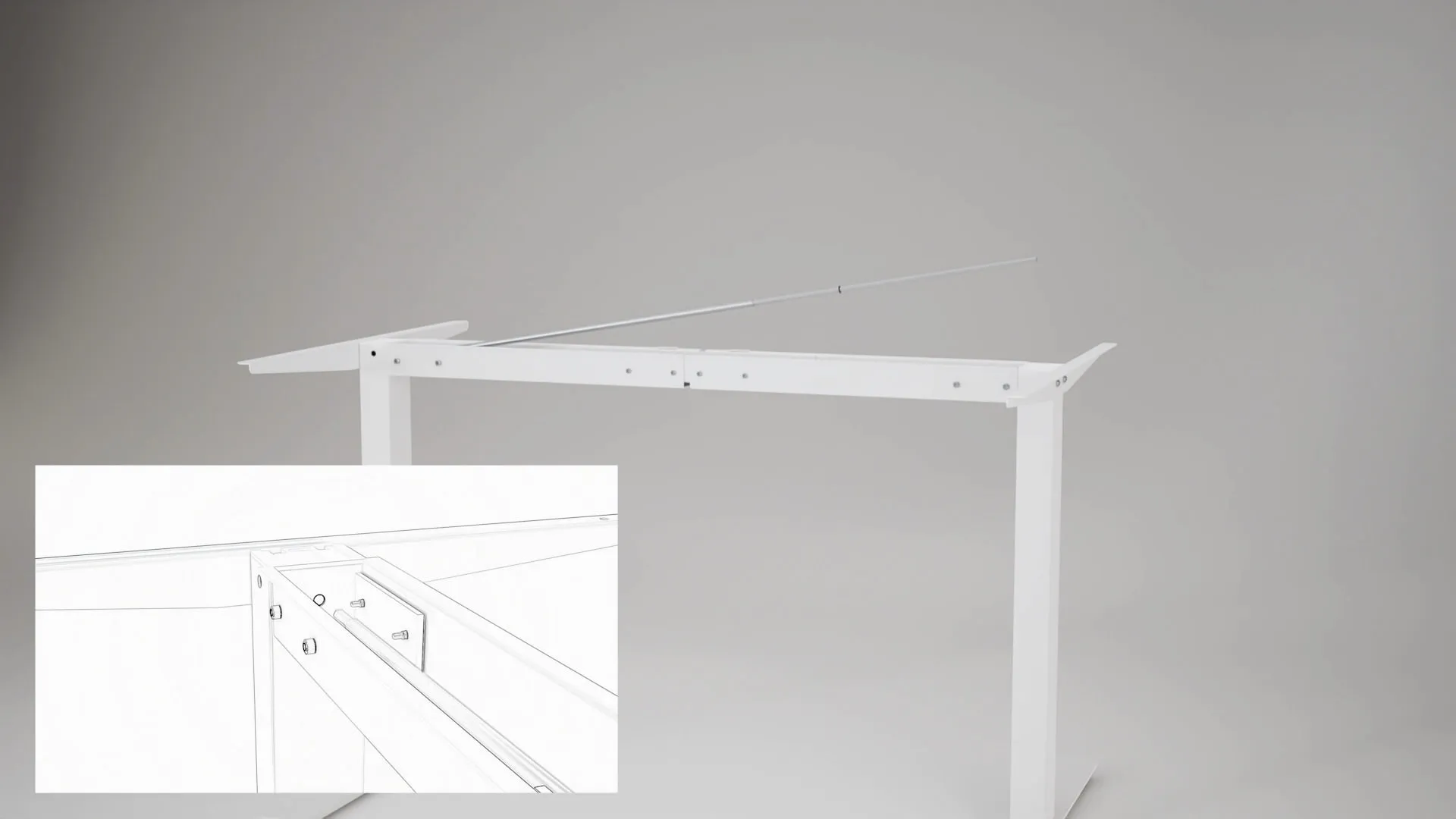
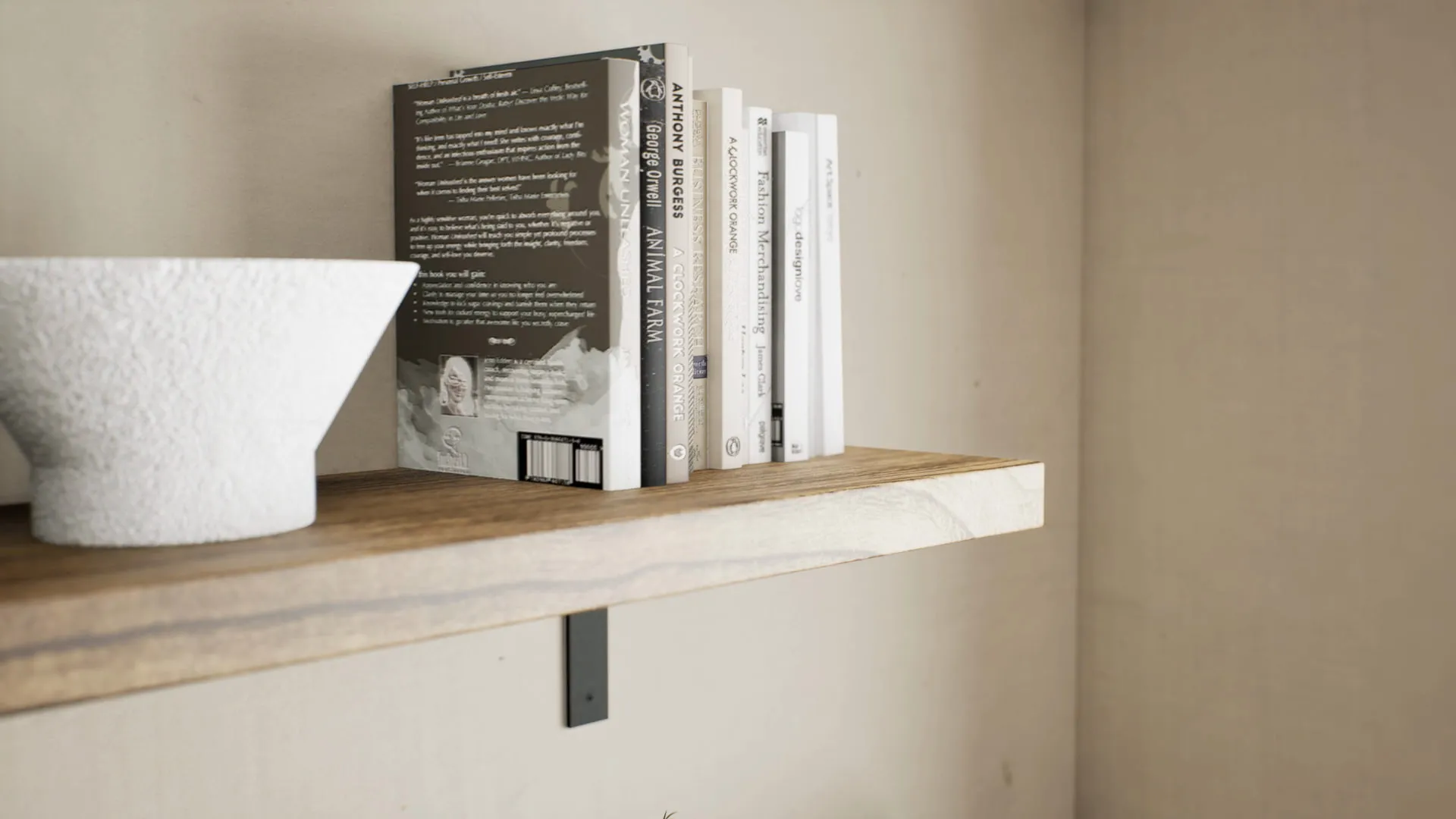


Two lengths from one model
The long form is a full instruction film. Our sit-stand desk sequence builds the desk from flat-pack, step by step, in 2:14, with the part number and quantity on each stage and inset views for the fixings people get wrong.
The short form is the retail listing cut, produced for three Wallniture products against Amazon and Wayfair specs. The Cortona organiser assembles panel by panel, then rearranges into three layouts. The Minori shelf shows its bracket mounting above or below the board. The Brix glass holder marks each fixing point as it goes up under a cabinet. All three run under 45 seconds, because a shopper watching a listing video is deciding whether to buy, not following along with a screwdriver.
The steps that cause the support tickets
Most assembly trouble comes from a handful of moments: the fixing that has to go in first, the panel that only fits one way round, the bracket that can be mounted two ways. A printed manual shows each of those as a still diagram and leaves the motion for the reader to work out. A film shows the panel turning, the dowel going in and the order it all happens in, which is exactly the part a diagram cannot carry.
That is why we start from your existing manual or your engineer’s assembly order rather than inventing one. Building the sequence is the easy part technically. Establishing the correct order usually means a conversation with whoever engineered the product, and it is worth having before anything is animated.
Exploded views
An exploded view separates a product along the axes its parts were assembled on, so a buyer can see what is inside and how it fits together. In motion it opens and closes from a single control, which makes it as useful in a technical sales deck or on a trade show stand as on a product page. The model that drives an assembly sequence also drives the exploded view, so the two are often commissioned together. We have written about how a product film is built, exploded sequences included.
Built to work without words
An instruction film carried by part numbers, quantities and motion works in every market you sell into, with no voiceover to re-record for each language. Where a step needs a label, the text is kept short and added in the edit, so it can be translated without re-rendering the film. If you want narration, it is added at the same stage.
Where the film gets used
One master is cut for every place a customer meets the product: a listing video on Amazon or Wayfair, a loop on your own product page, a vertical cut for social, and a QR code printed in the manual that opens the full sequence on a phone. Still frames of each step can be pulled from the film for the printed manual itself, so the paper and the video show the same parts in the same order.
Quicker when the model already exists
If we have already rendered the product, most of the film is built. The geometry, materials and lighting exist, so an assembly sequence becomes animation and an edit rather than a new build. It is the same economy that let us produce seven Wallniture showcase films from the scene library behind their still catalogue, and the reason furniture brands often commission renders and assembly films together.
Capabilities
What this covers.
- Step-by-step instruction films
- Short assembly cuts for listings
- Exploded-view animation
- Installation and mounting sequences
- Part number and quantity callouts
- Language-free versions for every market
Deliverables
What you receive.
- 01Master film in 4K and 1080p
- 02Square and vertical listing cuts
- 03Still frames of each step, for the printed manual
- 04Captioned or narrated versions on request
Getting started
What to send us.
CAD for every part
STEP, SolidWorks, or the native file, hardware included. Each part is animated as itself, so a missing screw is a missing step.
The assembly order
Your current manual, the engineer’s assembly drawings, or a phone video of someone building it. The film follows a step list we agree with you first.
The hardware list
Part numbers and quantities as they appear on the packing list, so the callouts in the film match what is in the bag.
No CAD? A sample works
Photographs of each part from several angles, plus measurements. It adds time to the modelling stage, not to the animation.
Process
How it works.
- 01
Step list
We turn your manual or assembly drawings into a numbered list of steps and agree it with you before anything moves.
- 02
Animatic
A rough, unlit version cut to length, so timing and camera can be changed while that is still cheap.
- 03
Materials and lighting
The parts are finished to match the product, so the film doubles as product imagery rather than reading as a diagram.
- 04
Render and edit
Callouts, part numbers and a cut for each channel are added in the edit. Two revision rounds are included.
- 05
Delivery
The master film and every cut you need, with full commercial rights transferred on final payment.
Questions
Common questions.
Still unsure about something? Email us and a real person replies, usually the same day.
How much does a 3D assembly animation cost?
It is quoted against the product, because the cost turns on a few things that vary widely: how many steps and parts there are, whether we have CAD or have to model from a sample, how long the film runs, and how many cuts you need. If we have already rendered the product for you, the model exists and a large part of the work is already done.
How long does an assembly animation take?
Animation projects typically run two to four weeks depending on scope, and we commit to a date in writing before starting. Waiting on CAD, or on a decision about the step order, is what usually moves a schedule, so having both ready at the brief is the quickest route.
What is the difference between an assembly animation and an exploded view?
An assembly animation builds the product in the order a customer would, one step at a time. An exploded view pulls the finished product apart along its assembly axes to show every part at once, usually to explain what is inside rather than how to build it. Both run from the same model.
Can the films be used on Amazon and Wayfair?
Yes. The short listing cuts in our portfolio were produced against Amazon and Wayfair specs, and every film is delivered in the ratios each channel needs: landscape, square and vertical.
Do we need CAD?
It is the fastest route, because every part is animated from the geometry it was made to. Without it we model from drawings, or from photographs and measurements of a sample. That adds time to the modelling stage, not to the animation.
Do assembly films need a voiceover?
Most of ours run without one. Part numbers, quantities and motion carry the instructions, which means one film works in every market. Narration or subtitles can be added in the edit if you want them.
Related services
More from 3D Animation.

3D Animation
Motion that explains the product and sells the idea.
Custom quote
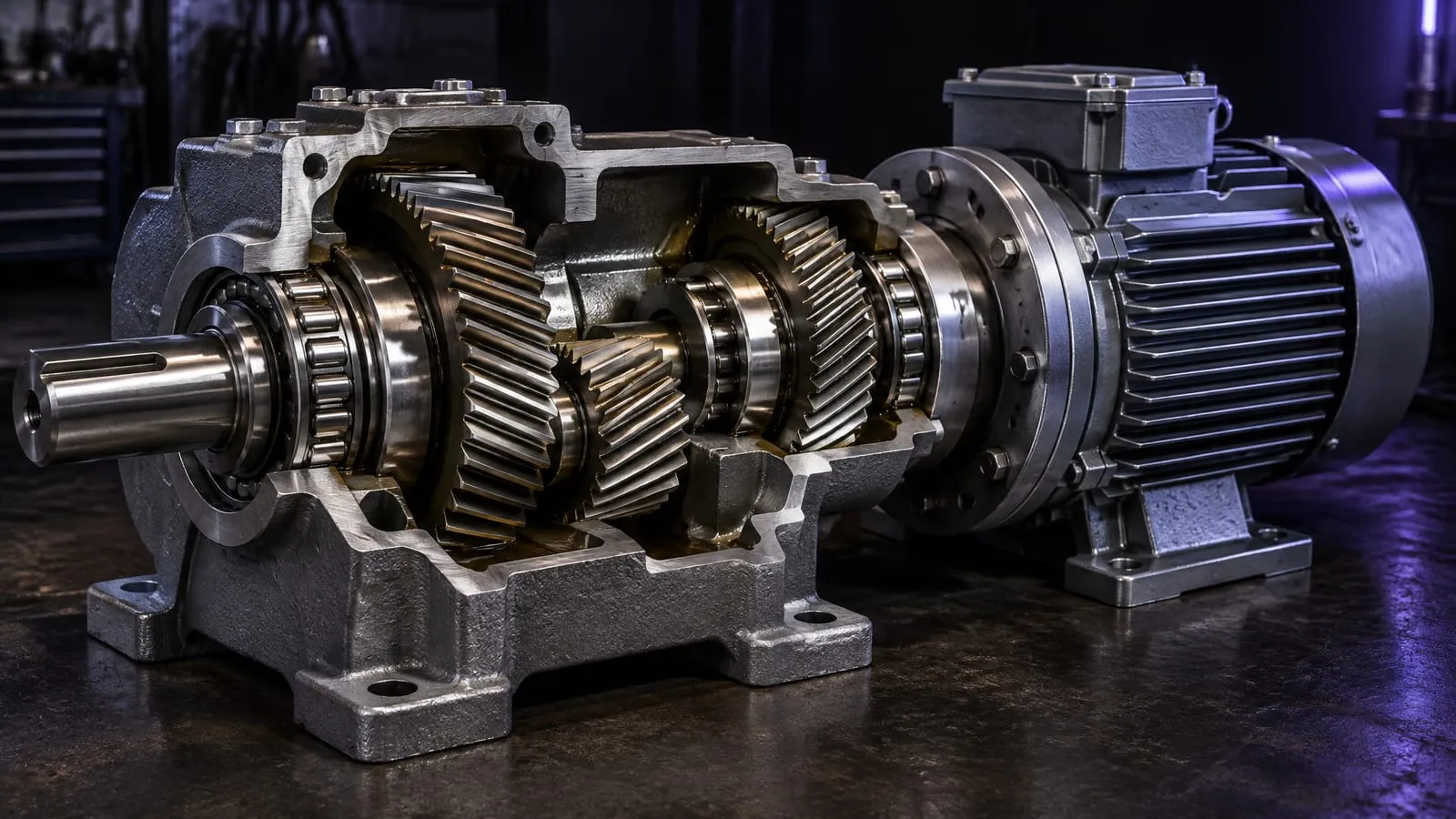
Industrial & Training Animation
Machines, platforms and procedures animated from CAD, for sales, trade shows and training.
Custom quote
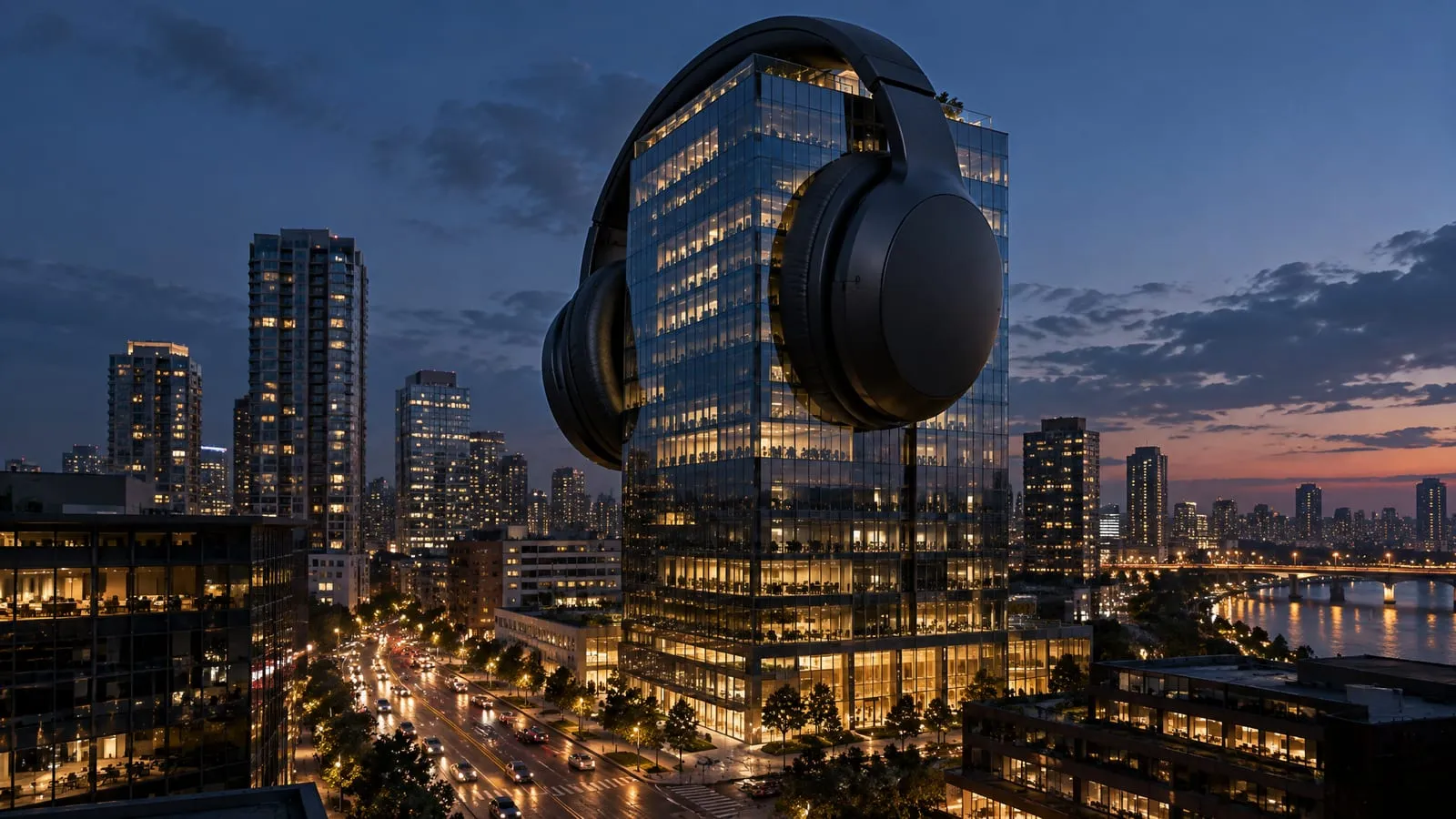
CGI Product Ads
Launch films, social cutdowns and FOOH campaigns, built from the product model.
Custom quote

Interior Walkthrough Animation
A film through the finished rooms, or a real-time tour a client can walk themselves.
Custom quote
From the blog
Worth reading first.
Let's get your product
ready to launch.
Send us your CAD files, a sketch, or just a description of what you are building, and tell us how far you need it taken. We come back with a fixed quote and a date.