E-commerce
How to add 3D models and AR to Shopify product pages
Shopify takes GLB and USDZ files with no app. What turns a product model into one that loads fast, lands at the right size in AR, and copes with finishes.
8 min read
E-commerce
Shopify takes GLB and USDZ files with no app. What turns a product model into one that loads fast, lands at the right size in AR, and copes with finishes.
Uploading a 3D model to Shopify takes about a minute. You open the product, drop a file into the media section, and the theme does the rest. There is no app to install and no code to write.
The minute is not where the work is. The work is having a file worth uploading: one small enough to load on a phone, built at the size the product really is, and honest about what the product looks like. If you already have product renders, most of that file exists. It just is not in a shape Shopify can use yet.
Shopify takes two formats as product media: GLB and USDZ, up to 500 MB each (Shopify Help Center, product media types). You only need one. Shopify converts whatever you upload so that a GLB and a USDZ version both exist, which is what lets the same model open in AR on an iPhone and on an Android phone. Every Online Store 2.0 theme Shopify has built supports it.
Two details on that page matter more than the headline limit. Anything over 15 MB is optimised automatically, geometry and textures both. And the limit that actually governs a good result is much lower: Shopify’s own guide for people making models for merchants asks for a total file size of about 4 MB (Shopify Help Center, creating 3D models for merchants). The 500 MB ceiling tells you what will upload. The 4 MB target tells you what will load on a phone in a shop doorway on mobile data.
Upload GLB if you have the choice. It carries geometry, materials and textures in one file, and it is the format the rest of this post assumes.
A quick search for this topic turns up page after page of tools that generate a 3D model from product photos. For some products that is enough. For anything a customer is going to measure against their wall, it is a guess: a model reconstructed from photographs has to infer the parts the camera never saw, and infer the size from pictures that carry no scale.
The better source is usually one you already have. A manufactured product was designed in CAD, and if it has been rendered, somebody has already turned that CAD into a textured 3D model. That render model is dimensionally exact and its materials have been signed off. What it is not is light.
A model built for rendering is built to be looked at once, from a chosen camera, by software with minutes per frame to spare. A model on a product page is looked at from every angle, sixty times a second, by a phone. Three things have to change.
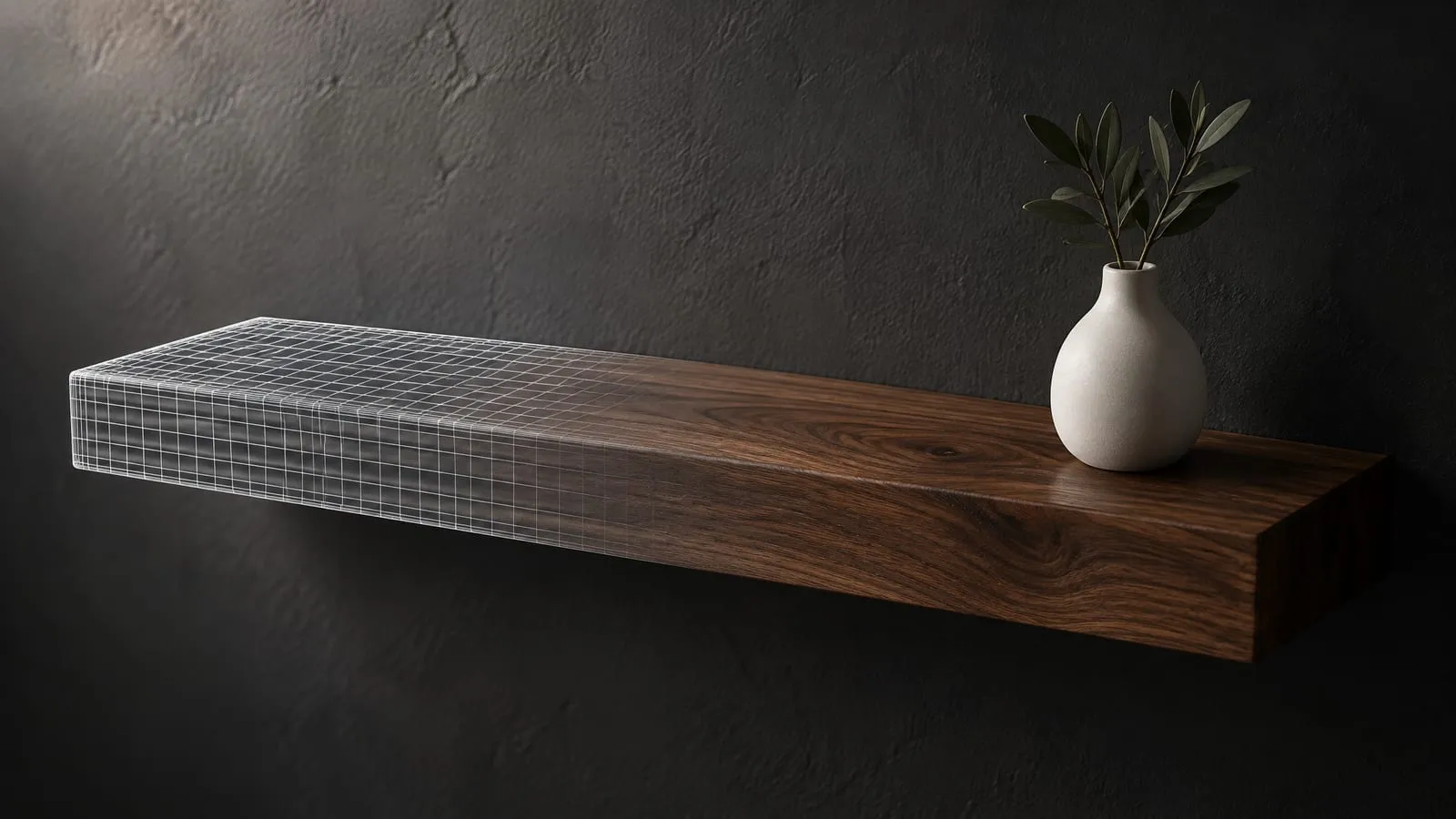
The geometry comes down. Render models are dense because density is cheap offline and a smooth highlight on a curved edge is worth it. In a GLB every polygon is paid for in download size and frame rate. Shopify’s guide also asks for the objects to be combined into one, with one material assigned unless there is a reason for more.
The materials get baked. A renderer’s materials are often procedural: grain, scratches and colour variation calculated at render time by the renderer itself. A GLB cannot carry any of that. Its core material model is metallic-roughness PBR (Khronos, glTF 2.0 specification), which means everything the renderer calculated has to be written out as images, or baked. Shopify asks for a colour map, a normal map for surface detail, and a single packed map carrying occlusion, roughness and metalness in its red, green and blue channels. That packing is the glTF standard itself, not a Shopify preference.
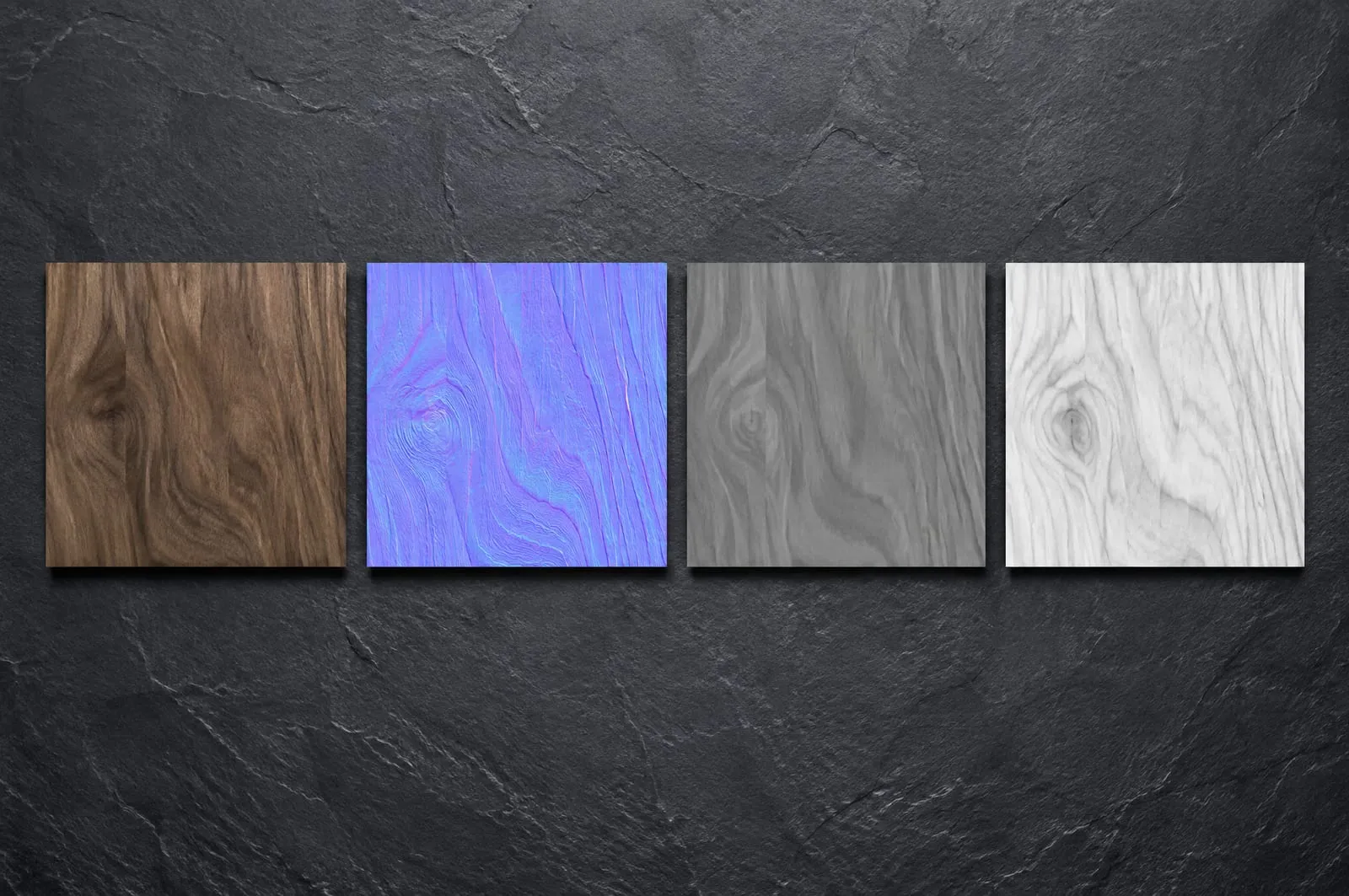
The textures come down too. Shopify’s guidance for mobile is no texture larger than 2048 by 2048 pixels, saved as optimised JPG where possible. A render model’s textures are often several times that, because a hero shot can bring the camera close enough to need it.
None of this is exotic, and the rendering is the part that has already been paid for. But it is a conversion with its own judgement calls, not an export button, and it is where most of a good result is decided.
On a product page a model can be any size and nobody notices, because the viewer frames whatever it is given. AR is different. It puts the product in the customer’s room, and it uses the dimensions in the file to do it.
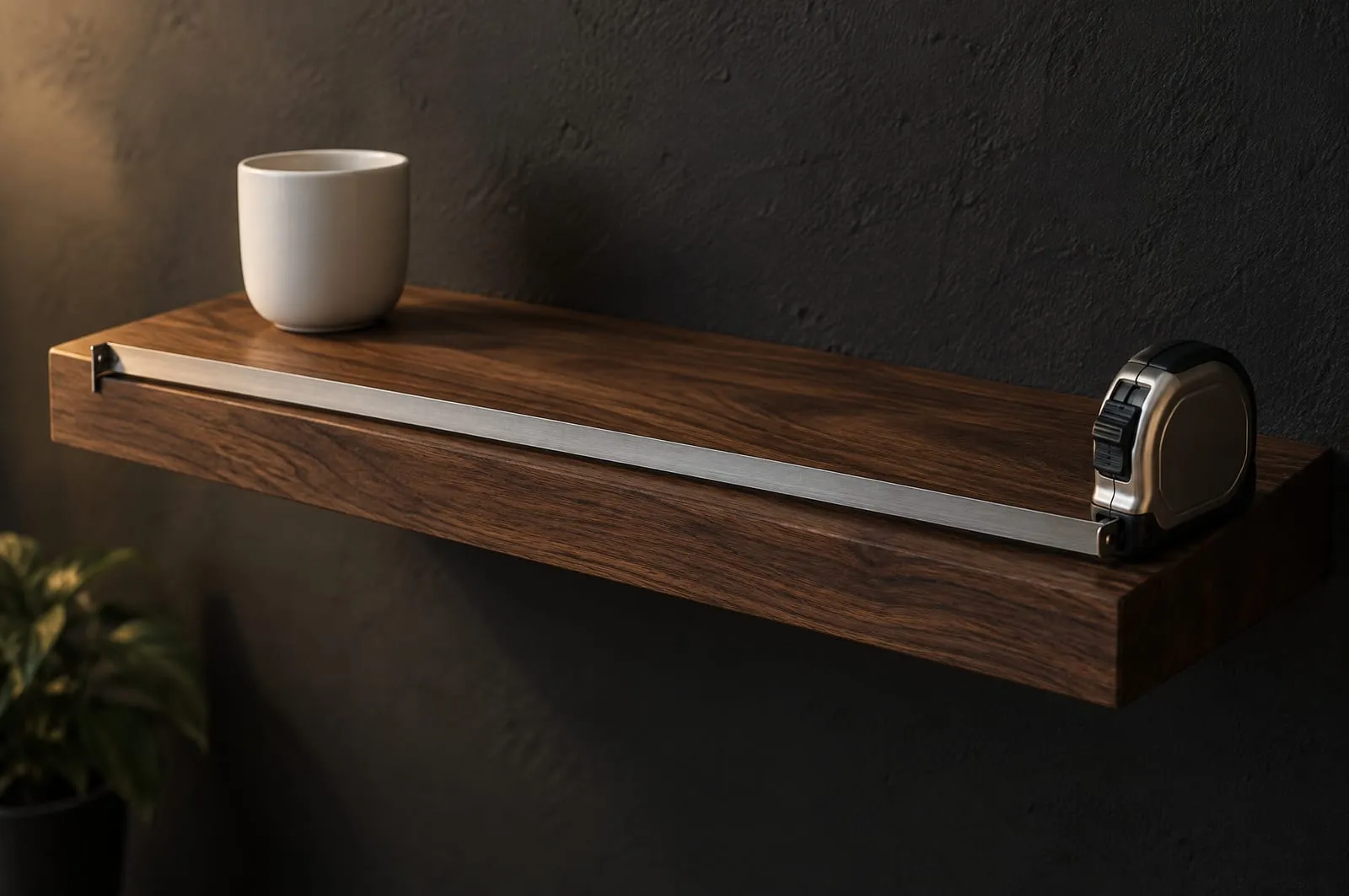
glTF measures every distance in metres (the same specification). A model built in millimetres and exported without conversion arrives a thousand times too large; one built in inches and read as millimetres arrives as a doll’s house version of itself. Both are easy to spot. The dangerous error is a small one, a shelf that is 60 cm in the file and 80 cm in the listing, because a customer standing in front of their own wall is exactly the person who will catch it and exactly the person you did not want to lose. It is the same unit discipline that matters before a CAD file can be rendered well, with higher stakes.
Shopify’s checklist asks for real-world scale in correct units, and for the model’s origin to sit at the centre of its base. The second one matters for the same reason: it is the point that lands on the floor, or the shelf, when the customer places it.
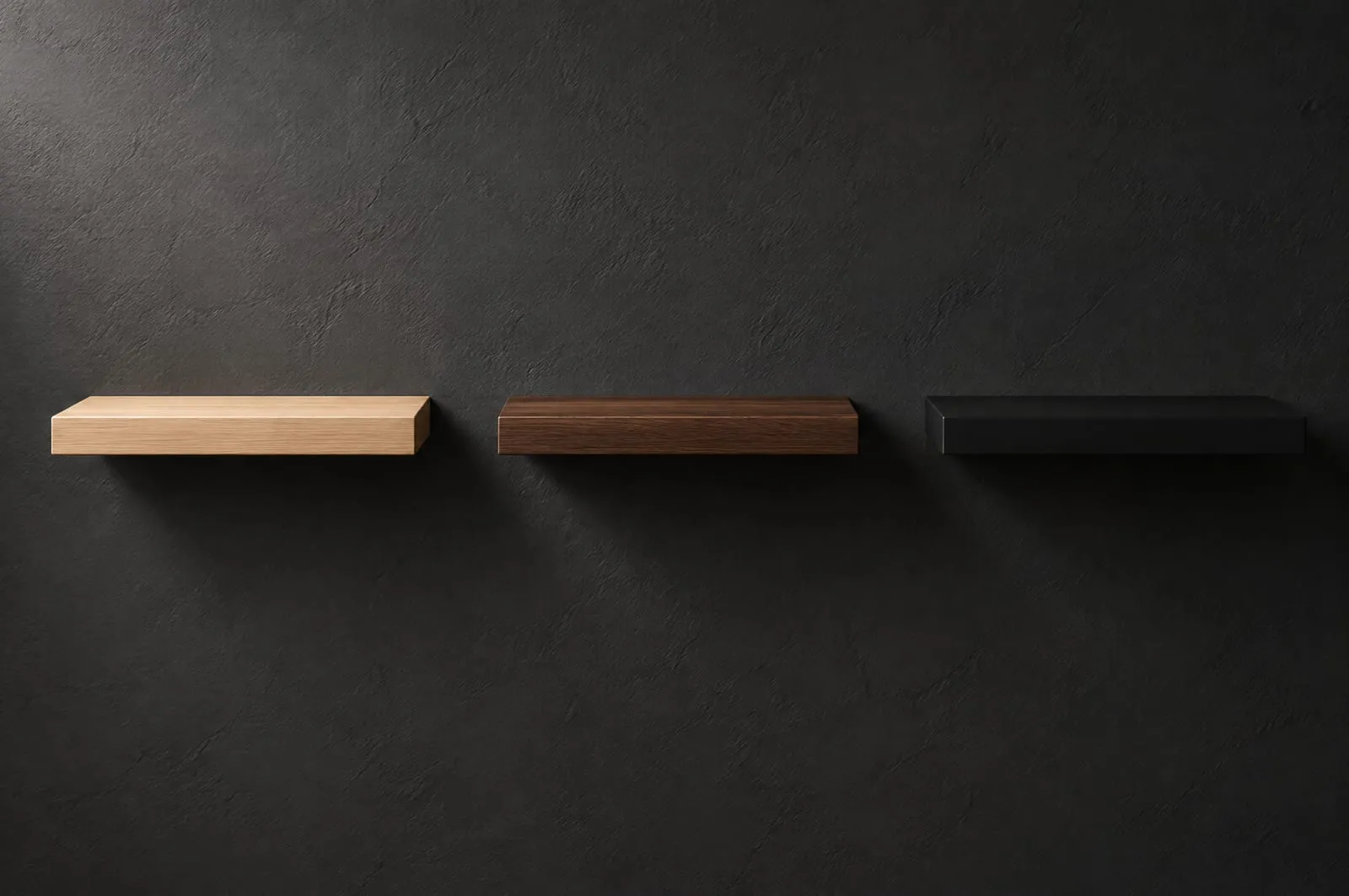
This is where Shopify gets awkward. On Shopify, a variant can only have a single image assigned to it. It cannot have a 3D model or a video (Shopify Help Center, adding images to variants). Pick “Walnut” on a product page and the gallery can jump to the walnut photo. It cannot swap the 3D model to the walnut one.
That leaves three honest options for a product in several finishes:
For a range like the wall shelving we photograph and render for Wallniture, sold in several hand-applied finishes, the first option is usually the right place to start, and the third is the one worth building towards once the model has proved itself.
Shopify’s own figures, from a Rebecca Minkoff case study, are that shoppers who viewed a product as a 3D model were 44% more likely to add it to their cart, and those who viewed it in AR were 65% more likely to buy (Shopify, 3D ecommerce). They are real numbers and they are widely repeated. They are also a comparison between shoppers who chose to open the model and shoppers who did not, and the shopper who bothers to rotate a handbag was already more interested than the one who scrolled past. Some of that difference is the model. Some of it is the shopper. A case study cannot tell you how much is which.
What is not in doubt is where the model sits on the page. In Dawn, Shopify’s reference theme, the model is not even loaded until the shopper taps it; until then they see its preview image (Shopify, Dawn theme source). So a 3D model does not replace your product imagery. It sits behind it, as the answer to a question the first image raised. The still image still has to earn the tap.
If you already have renders of your products, the model behind them is most of the way there. We build those models for 3D product rendering and build the Shopify stores they end up in through our software work. If you want a 3D model on your product pages and are not sure what you already have is usable, send us the files and we will tell you what it would take.
Send us your CAD files, a sketch, or just a description of what you are building, and tell us how far you need it taken. We come back with a fixed quote and a date.